Image to Video AI
Bring your images to life. Upload any image and let AI transform it into a dynamic, animated video clip with natural motion and cinematic quality.
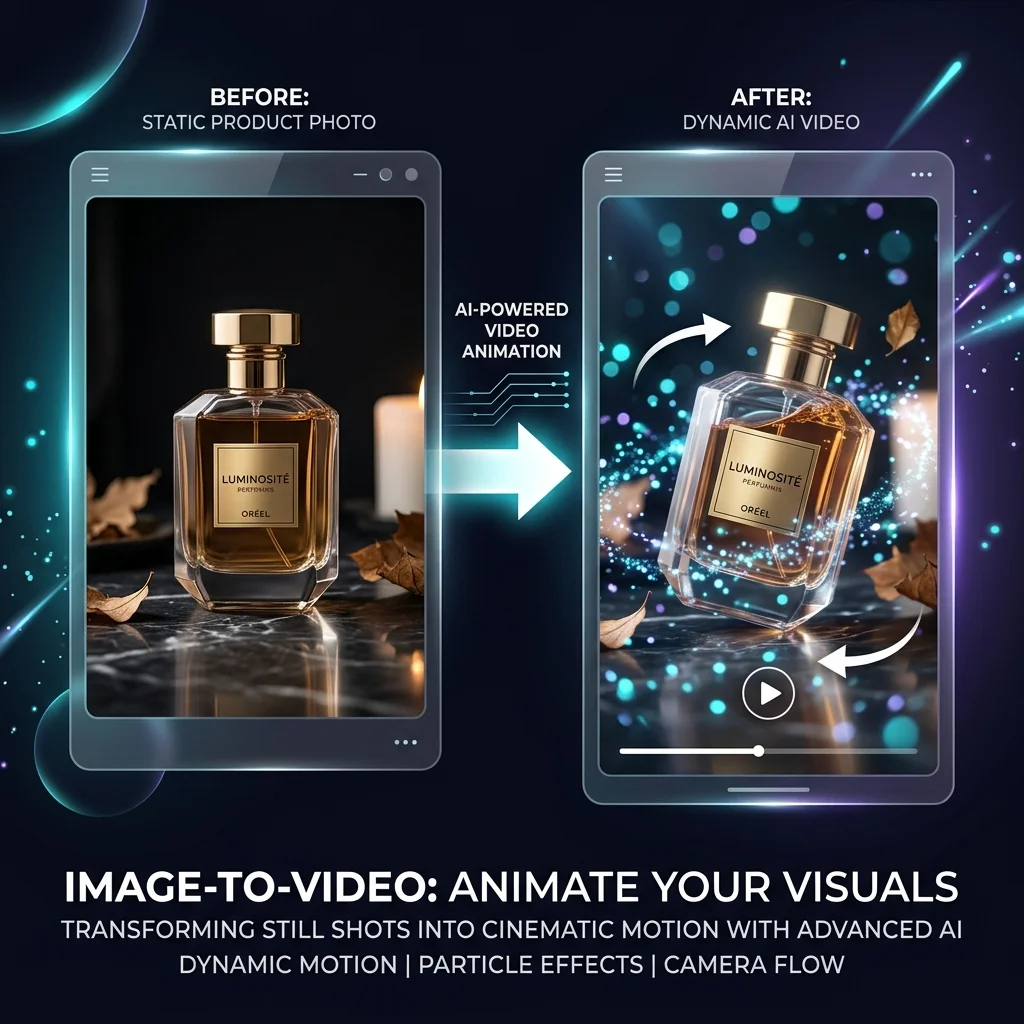
What Is Image to Video AI?
Image to video AI takes a static image and generates motion, turning it into a short video clip. The AI interprets the image content and creates natural-looking animations, camera movements, and environmental effects.
How It Works
Upload your source image, optionally add a text prompt describing desired motion or effects, select a style and duration, then generate. The AI analyzes the image and creates smooth, realistic motion.
Use Cases
Product animation
Social media content from photos
Artwork animation
Real estate virtual tours
Fashion showcases
Concept art to motion
Frequently Asked Questions
Omni AI supports JPG, PNG, and WebP image uploads for image-to-video generation.
Yes, you can guide the AI with text prompts describing desired camera movements, animations, and effects to control how your image is animated.
Most video clips are generated within 1-3 minutes depending on length, resolution, and complexity. Premium plans include priority processing for faster results.
Omni AI supports standard resolutions up to 4K. Free plans generate at standard resolution, while premium plans unlock HD and 4K output.
Start Creating with Omni AI
Generate AI videos and images in minutes. No camera, no crew, no design skills required.